
Colorado Court Docket Searches
Colorado splits this work into two different lookups. Need a hearing that has not happened yet? The Judicial Branch runs a free Docket Search that works like a calendar of upcoming settings across the state trial courts. A case history is something else. The Branch's Access Guide sends history seekers to Colorado Courts Record Search, a paid product most people call CoCourts. Neither tool hands over the official file. That stays with the Clerk of Court. Match the search to the record you actually need, because a scheduled event, a filing, and a history entry each answer a different question.
- For a future state-court date, open the Colorado Judicial Branch Docket Search and choose a location, date, case number, party, or attorney filter.
- For past activity, use the Access Guide’s CoCourts link and search by case number or a party name. Check the vendor’s current price before submitting a search.
- Compare the court, case type, and number on the result with the notice or filing that started the case.
- For the controlling docket sheet, an order, or a certified copy, contact the Clerk of Court for the court where the case was filed.
- If you do not know the local court, use Browse Counties to reach the right county court page.
Treat any search result as a pointer. It is not the filed paper, and it is not a later court order. When a date or event shifts, the newest notice from the court controls.
Three Colorado Docket Search Paths
Colorado offers several public-facing tools because no single one does everything. The official calendar finds events still to come. CoCourts sells case-history summaries built from state court data. Want a copy of a filing? Ask the clerk who holds the file. Payment lookups tell you where money goes, not what the full docket history says.
| Tool | Best use | Limit to keep in mind |
|---|---|---|
| Judicial Branch Docket Search | Upcoming state District and County Court settings | Not a historical case register, document file, municipal calendar, or Denver County Court calendar |
| CoCourts / Colorado Courts Record Search | Paid search for selected Register of Action history | Not the official record; some case types and events are missing, and documents are not supplied |
| Record or document request | Filed papers, certified copies, corrections, and official record questions | Route the request to the court and Clerk of Court that hold the file |
One more tool fills a different role. CCE, the Colorado Courts E-Filing system, takes filings and gives eligible filers or parties account-based access; it is not a free public case-history search. For a municipal ordinance matter, start with the city court that issued the ticket.
The Statewide Case Search in Colorado
For a remote Register of Action search, the Judicial Branch's Access Guide points to CoCourts. The service works by name or case number. The vendor FAQ describes the mechanics. One last name pairs with a full or partial first name, up to four first-name variants per last name, or a straight case number. Filters and result controls sit behind registration and payment. The vendor reports selected activity drawn from the Department's county and district case data. That includes filings, orders, settings, and dispositions where those fields exist. Its public description says updates happen in real time. That is no promise every event appears at once, or that every case type shows up. The judiciary itself warns that an ROA result is not the official record. It may contain errors or omissions.
The search costs money even when it returns nothing. The public price page lists $5.50 for the rest of Colorado. A separate Denver County Court search runs $5.00. One search covering both runs $10.50. Search History lets a filer reopen a result for 24 hours at no extra charge. Repeating it later means paying again. For the complete file, a county clerk remains the source.
The Branch's Access Guide to Public Records spells out the split between a free hearing calendar and a paid case-history product:
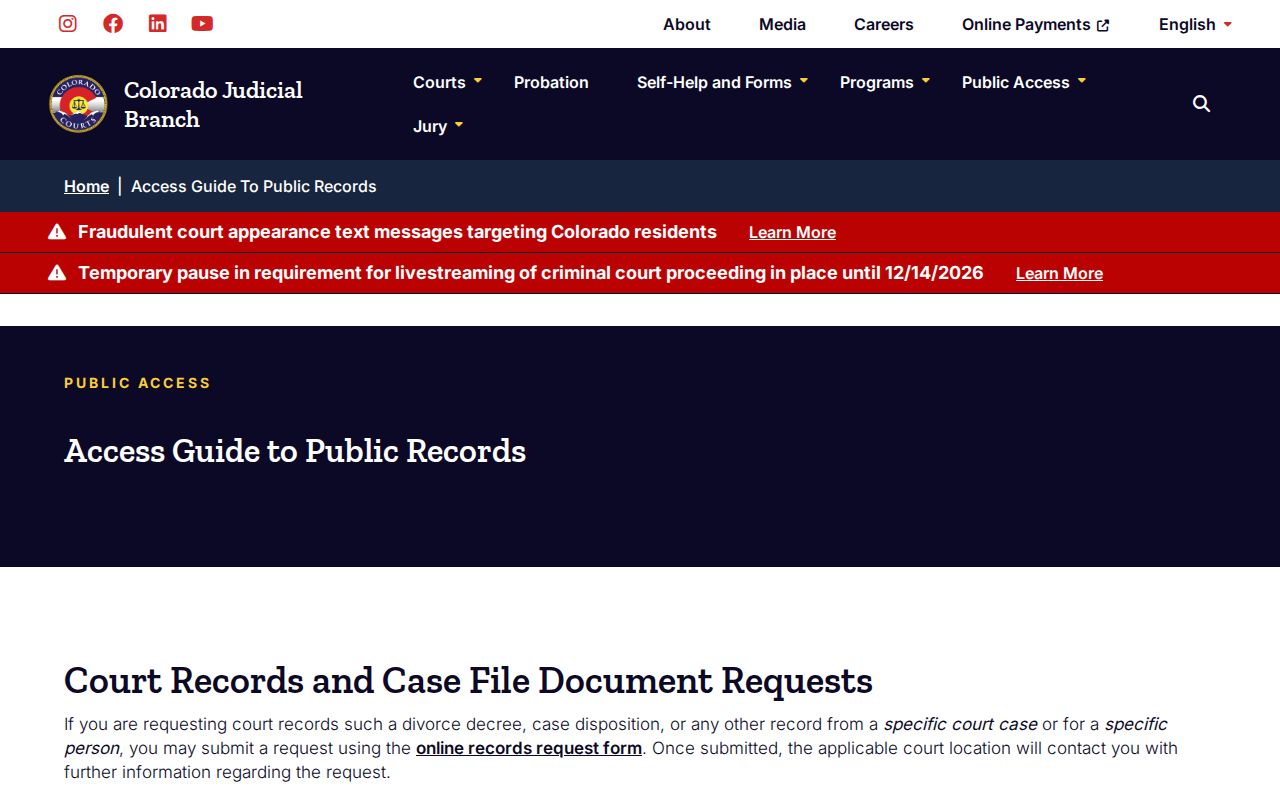
That line matters most when an ROA is missing a filing. A result also cannot show the paper itself. Check with the Clerk of Court before treating a vendor summary as the final record.
Colorado Judicial Branch Docket Search Fields
The official Docket Search is a settings calendar. It is not a Register of Action search. Its form narrows an upcoming event by geography, date, case number, party, or attorney. A date range alone will not work; the form requires at least one more filter. The county selector covers all counties plus separate Denver District, Juvenile, and Probate choices. Denver County Court is not on that list.
| Field | Control and options | What to enter |
|---|---|---|
| Judicial District | Optional dropdown | Choose a district from 1st through 23rd. |
| County | Optional dropdown | Choose a county or a separate Denver District, Juvenile, or Probate location. |
| Courthouse | Optional dropdown | Select the courthouse or satellite location shown on the case papers. |
| Court Type | Optional dropdown | Both, County, or District. |
| Division | Optional text field | Enter a division label or number when known. |
| Date Range | Dropdown with a default | Six months, three months, one month, one week, today, or a specific date. |
| Specify A Date | Conditional date control | Appears when Specific Date is selected. |
| Case Number | Year, class, and sequence controls | Use the four-digit year, class code, and sequence from the notice. |
| Case Class | Optional dropdown | Current choices include C, CR, CV, CW, DR, JD, JV, M, PR, R, S, and T. |
| Case Sequence | Optional text field | Enter one to six numerals. |
| Party Search Type | Optional radio choice | Select Individual or Business. |
| Party name | Conditional text fields | Use first and last name for an individual or the business name for an organization. |
| Attorney Search Type | Optional radio choice | Search by attorney name or bar number. |
| Attorney Bar Number | Conditional text field | Enter one to six numerals when searching by bar number. |
| Attorney name | Conditional text fields | Enter first and last name when searching by name. |
Each result shows the scheduled date and start time, the case caption and number, hearing type, location, courtroom, and an appearance mode or duration where those fields are filled in. The page returns 20 results at a time and includes print and export controls. A blank duration or appearance field does not mean the setting was canceled.
Colorado Courts and Their Dockets
Colorado's state trial courts are organized by county and judicial district. District Court is the general-jurisdiction trial court. County Court handles limited civil claims, misdemeanors, traffic infractions, small claims, and early felony proceedings. Appellate courts keep their own cases apart from the trial matter. Water Court holds subject-matter jurisdiction over water rights. A shared courthouse or clerk's office does not merge the courts' legal roles.
| Court | Docket covers | Where to search |
|---|---|---|
| District Court | Felonies, civil cases of any amount, domestic, juvenile, probate, mental-health, and related matters | State calendar for upcoming settings; county Clerk of Court for the official file |
| County Court | Civil money claims up to $25,000, small claims up to $7,500, misdemeanors, traffic infractions, and preliminary felony matters | State calendar for upcoming settings; county Clerk of Court for the official file |
| Water Court | Water-rights and administration cases in seven basin divisions | State court calendar and the Clerk of Court for the assigned division |
| Colorado Court of Appeals and Supreme Court | Appeals, original proceedings, opinions, and appellate filings | Separate appellate case file; opinion search is not a complete live docket |
| Municipal Court | Local ordinance violations, including many city traffic tickets | The city court named on the citation |
| Denver County Court | Separate local county and municipal matters | Its own PublicPortal and records office |
The Colorado Judicial Branch's county court and jurisdiction pages show how local court service is arranged:
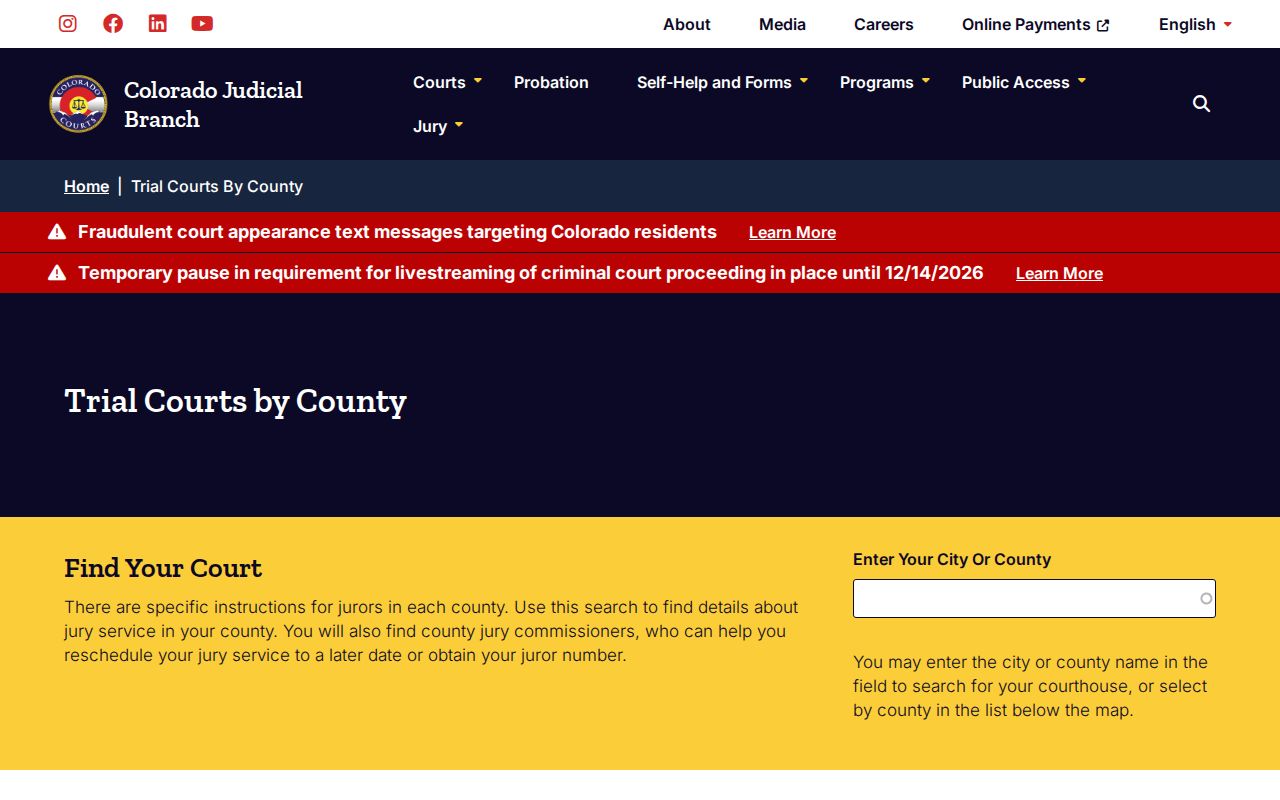
Check the county listed on your notice or case caption. That tells you which clerk and courthouse to contact. Even where one combined office serves both District and County Court, the court levels stay distinct.
Colorado Court Search Has Local Boundaries
One search will not reach every Colorado court. The Judicial Branch calendar covers state District and County Court locations, including Denver District, Juvenile, and Probate. But Denver County Court runs on its own system. It has a separate case and future-date search. The state calendar leaves it out entirely. So when a Denver label or citation names a court, check that named court rather than assuming one shared system. Municipal tickets follow the same logic. A city ordinance case stays in the municipal court that issued the ticket. No single public municipal docket gathers every Colorado city. The ticket, summons, or case caption tells you which court to search. One more wrinkle: a state case can start in County Court and later move to District Court. It picks up a second case number as the felony proceeds. When a docket search comes up empty, treat it as a routing question first. It is rarely the final word on access.
Inside a Colorado Court Docket
A docket, also called an ROA, is a dated log of case activity. It is not the case file itself. Think of it as a timeline. The state calendar shows scheduled events. The case-history summary may add filings, orders, parties, and dispositions. The Clerk of Court keeps the controlling court record and the papers underneath it. Which fields you can see depends on case type and access limits.
| Case number | The Judicial Branch calendar separates a four-digit year, case class, and sequence. Older official format examples include 2005CV560; the example is not a live case. |
|---|---|
| Parties | Names and procedural roles can appear where public access rules permit; protected identities and fields may be limited. |
| Filings and orders | An ROA can summarize filed papers and court actions. A short entry may not show the full text or image of an order. |
| Hearing settings | The calendar may show date, time, hearing type, location, courtroom, and an appearance mode when entered. |
| ROA summary fields | A vendor result may include status, case type, file and close dates, judge or magistrate, agency, sentence date, charges, plea, disposition, and scheduled events. Availability varies by record. |
| Court and judicial officer | The case view can name its court, judge, or magistrate; the assigned division matters when following a hearing. |
| Disposition | A recorded result or status explains what was entered in the case, but a docket label alone may not explain every legal effect. |
A short calendar or ROA entry may point to an event without showing the signed paper behind it. When exact wording matters, ask the Clerk of Court for the filed order or a full docket sheet.
Colorado Case Numbers and Docket Terms
Colorado case numbers follow a pattern the clerk builds from four parts. You get a four-digit year. Then comes a class code, then a sequence of one to six numerals. The class tells you which kind of case you hold. It helps route a docket search, though it does not tell the whole story. Common codes you will see: CV marks District Court civil. C marks County Court civil. CR marks a felony criminal case. DR is domestic relations, CW is civil water, and S is small claims. Traffic appears as T, with R reserved for a traffic infraction. Older format guides can explain the structure of a number. But they are not proof that a case still sits in the same court today.
- Docket Search
- The Judicial Branch name for its public upcoming-settings calendar.
- Register of Action (ROA)
- A chronological summary of recorded filings, events, orders, and dispositions.
- Setting
- A scheduled court event; it may not decide the case or claim.
- Continuance or reset
- A change that moves a hearing or trial to a later date.
- Disposition
- The recorded resolution or outcome of a case or charge.
Trust the class code printed on the official notice. If an abbreviation looks unfamiliar, verify it with the Clerk of Court. And read hearing labels with care: a setting like "Return Date on Summons" marks a procedural appearance point, not necessarily a trial.
Colorado Court Docket Figures With Context
The 2025 Judicial Branch Annual Report puts statewide activity in numbers. It counts 584,353 District Court filings and 90,628 County Court cases filed. Water Court claims add 2,474 more. Appellate work added 5,448 Supreme Court filings and 2,311 Court of Appeals filings. District Court trials numbered 5,498. Each measure describes a different court level and kind of activity, so a case filing is not the same as a hearing, a pending case, or a person served. Comparisons across reports need care. The older FY2024 statistical table counted 381,856 County Court filings across civil, traffic, misdemeanor, infraction, small-claims, and initial felony categories. It relied on the former 22-district map. The 2025 report instead draws on its own "total cases filed" panel. Keep the year, the court level, and the report label attached to every figure. Do not merge totals never meant to match. The Judicial Branch publishes the statewide 2025 Annual Report. Its current map reflects 23 judicial districts, after Douglas, Elbert, and Lincoln separated into the 23rd District in January 2025. Population rankings for the six featured county sites point to busy service areas. They are not a measure of docket volume.
Colorado Court Dockets and Access Services
A docket entry is only one piece of access. Colorado courts also provide language-assistance services. These help anyone taking part in a court event. The 2025 Annual Report lists 138,660 scheduled events with interpreters. The prior year's report used a different measure, so do not treat the two counts as one or add them together. Language access matters the moment a docket entry leads to a hearing. The entry gives the time and place. The local court supplies the participation instructions. The Judicial Branch explains how to request help through its interpreter and translator service. Its statewide interpreter and translator information sets out the details.
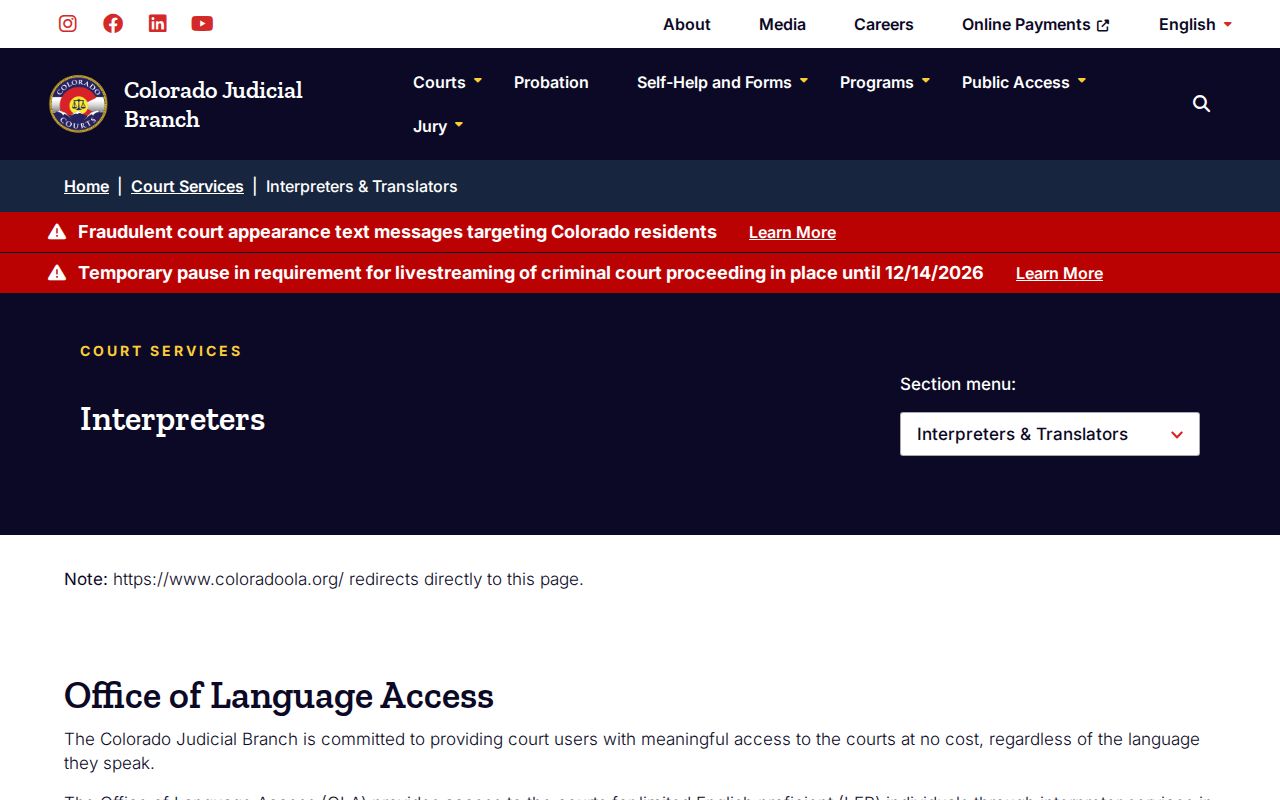
For a date change or courtroom details, confirm with the clerk or division that set the event. The public calendar never replaces local instructions about interpretation or attendance.
Docket Access Laws in Colorado
Colorado case files answer to the judiciary's own access rules. A general open-records office is not in charge. CJD 05-01 sets the public-access and privacy policy for trial and appellate records. Court rules separately govern case files and administrative records of the Judicial Branch. The Colorado Open Records Act (CORA) covers many government records. It is not the normal route for a case file. Juvenile access carries its own legal limits.
Key Colorado access rules:
Chief Justice Directive 05-01 sets public remote fields, courthouse-terminal access, redaction duties, and categories that are restricted.
Colorado Revised Statutes include CORA at §24-72-200.1 et seq., the Criminal Justice Records Act at §24-72-301 et seq., and juvenile protections at §§19-1-301 to 19-1-304. These laws cover different records and do not make a court case file a generic agency request.
A public docket entry does not open every document, personal identifier, or hearing recording to remote viewing. If your result is limited, ask the Clerk of Court which rule applies and whether an authorized, redacted, or court-ordered copy exists.
When a Colorado Court Case Is Missing
A blank result in a statewide docket search proves little. Plenty of cases live elsewhere in Colorado. The matter may sit in a municipal court. Denver County Court is another spot, as is a juvenile or probate category. It could also be a restricted file. Or it may live only in a county record the tool does not carry. Check the name and the case number spelling. A hearing that just happened may not have reached the calendar yet.
- Check the exact case number, case class, county, courthouse, and court tier printed on the notice.
- For Denver County Court or a municipal citation, use the court named on the paperwork rather than the state calendar.
- Ask the local Clerk of Court whether the file is held there and what access route applies.
- For a paper copy or certified document, use the Judicial Branch Record/Document Request Form or local clerk instructions.
The form itself sets expectations. Ordinary record requests usually get answered within three business days. That assumes no unusual circumstances. Archived, lengthy, restricted, and transcript requests take longer, so treat that window as a target rather than a promise. Access rules may also allow a public terminal or an in-person look at the file. The local clerk can confirm the current process and any charge. If the online form does not fit your situation, ask about phone, counter, or mail requests. Also ask how the court takes payment.
Colorado Docket Technology and Case Flow
Colorado Courts E-Filing, or CCE, is the Judicial Department's statewide filing system. Electronic submissions that qualify flow straight into court workflow. A clerk then accepts or rejects each one. A receipt only confirms delivery, not acceptance. CCE also grants account-based access to eligible filers and parties, but it is neither the free public calendar nor a full case-history portal. Denver County Court runs its own filing path.
Case flow starts locally. A paper or electronic filing lands in the court's county case system first. The Clerk of Court maintains the case record, and upcoming settings feed the public calendar. A selected vendor then reproduces some case-history data for remote docket searching. The Colorado Courts E-Filing page carries the official CCE details and current standards. Local clerks still keep the official record.
Public access here has arrived in stages. The Public Access System dates to 2010. Appellate e-filing followed in 2013. Today, statewide case services split filing access from hearing calendars, selected ROA summaries, and official copy requests. Older paper files may still need a local search or an archive route. The Judicial Branch's court history lays out the institutional timeline.
Colorado Court Calendar Access in 2026
A calendar result can tell you a setting's format. It may be in person, virtual, or marked as requiring no appearance. Those fields are not always filled in, though. The statewide calendar also skips some courtroom links. It never decides whether remote viewing is allowed. When the event row leaves the mode unclear, follow the county court's own instructions.
From September 15 through December 14, 2026, CJD 26-01 pauses the presumptive livestreaming requirement for criminal proceedings in Colorado trial courts. The pause does not shut courtrooms or strip public settings from the docket calendar. In-person access and remote participation still follow the court's orders and local procedures.
The Branch's livestream and virtual courtroom notice separates the public calendar from video access:
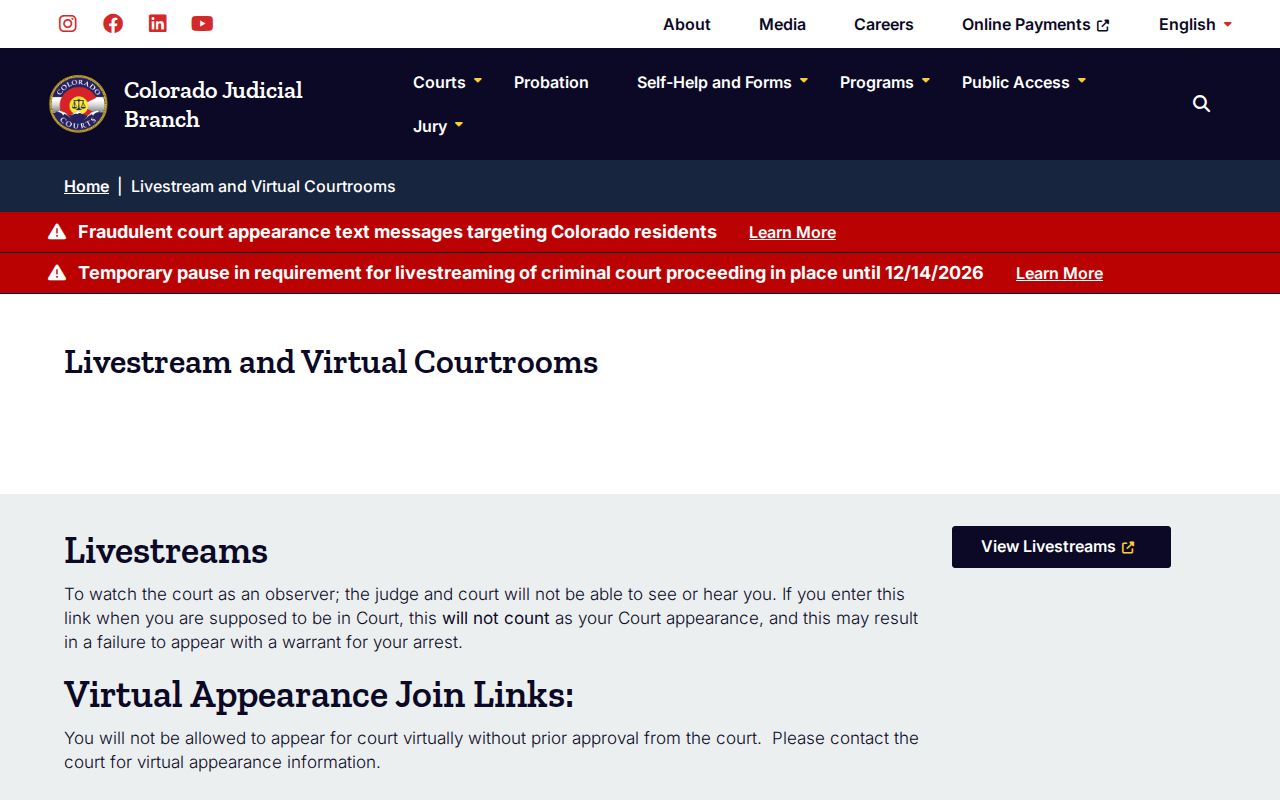
An event with no video available is still a calendar entry, not a cancellation. Confirm the time, location, remote link, and attendance instructions with the court that set the hearing.
Colorado Court Dockets by County
The county Clerk of Court holds the official trial-court file. That is why a statewide docket search so often ends as a local court question. The six largest counties by 2020 Census population get featured space here. They are the busiest service areas. Population does not rank docket volume. Each county keeps its own court locations, case coverage, and clerk route.
El Paso County
Colorado Springs · 4th Judicial District; Colorado’s largest county by 2020 population.
City and County of Denver
Denver · State District, Juvenile, and Probate courts sit alongside a separate County Court.
Arapahoe County
Littleton · 18th Judicial District, with a separate Littleton courthouse location.
Jefferson County
Golden · 1st Judicial District; the county court page routes local locations and settings.
Adams County
Brighton · 17th Judicial District, with state calendar and specialty-court details routed locally.
Larimer County
Fort Collins · 8th Judicial District also serves Jackson County; Loveland has a separate court location.
Browse Counties covers all 64 Colorado counties, with links to each county court-docket site.