
How Colorado Courts Are Organized
Trial work in Colorado sits on two state tiers. County Court takes limited-jurisdiction cases, while District Court serves as the general trial court. Some matters cross both. A felony, for example, may open with County Court advisement and preliminary proceedings. A District Court case file takes over after that. Above the trial courts sits a separate appellate layer. The Colorado Court of Appeals handles most District Court appeals. The Colorado Supreme Court stands at the top of the state system.
Colorado adds seven Water Court divisions, each tied to a river basin. Cities can create municipal courts for local ordinance violations. Denver County Court is its own local institution. It is distinct from Denver District, Juvenile, or Probate Court. Every tier builds the record for its own slice of a case.
| Court Level | Common Docket Work | Record Route |
|---|---|---|
| Colorado Supreme Court | Selected appeals, direct appeals, and original proceedings | Supreme Court Clerk’s appellate file |
| Colorado Court of Appeals | Most appeals from District Court and specified other matters | Court of Appeals Clerk; separate appellate number |
| District Court | General civil actions of any amount, felonies, domestic, juvenile, probate, mental health, and water matters | County’s Clerk of Court and assigned division |
| County Court | Limited civil, misdemeanor, traffic infraction, small claims, protection orders, and initial felony steps | County’s Clerk of Court and assigned division |
| Water Court | Water rights and administration matters across seven basin divisions | Water Court file for the relevant division |
| Municipal / Denver County Court | Local ordinances; Denver County Court also handles county-level functions | Local court named on the citation or filing |
Colorado County Courts Have Limited Jurisdiction
County Court in Colorado covers civil money claims up to $25,000, misdemeanors, traffic infractions, small claims up to $7,500, protection orders. It also covers the early stages of felony cases. District Court takes felony trials plus general civil actions with no dollar ceiling. It also holds domestic-relations, juvenile, probate, mental-health, and water matters. Small claims runs on a streamlined process. There is no jury trial there.
One county Clerk of Court usually serves both trial tiers. The Clerk records filings, register entries, orders, judgments, settings, and dispositions for each division. Note the title: a Clerk of Court works for the Judicial Branch. A county Clerk and Recorder keeps other county records. When a felony moves up to District Court, expect a second case number. A separate District Court docket follows. The Colorado Judicial Branch county-court page lists trial-court locations along with jurisdiction details.
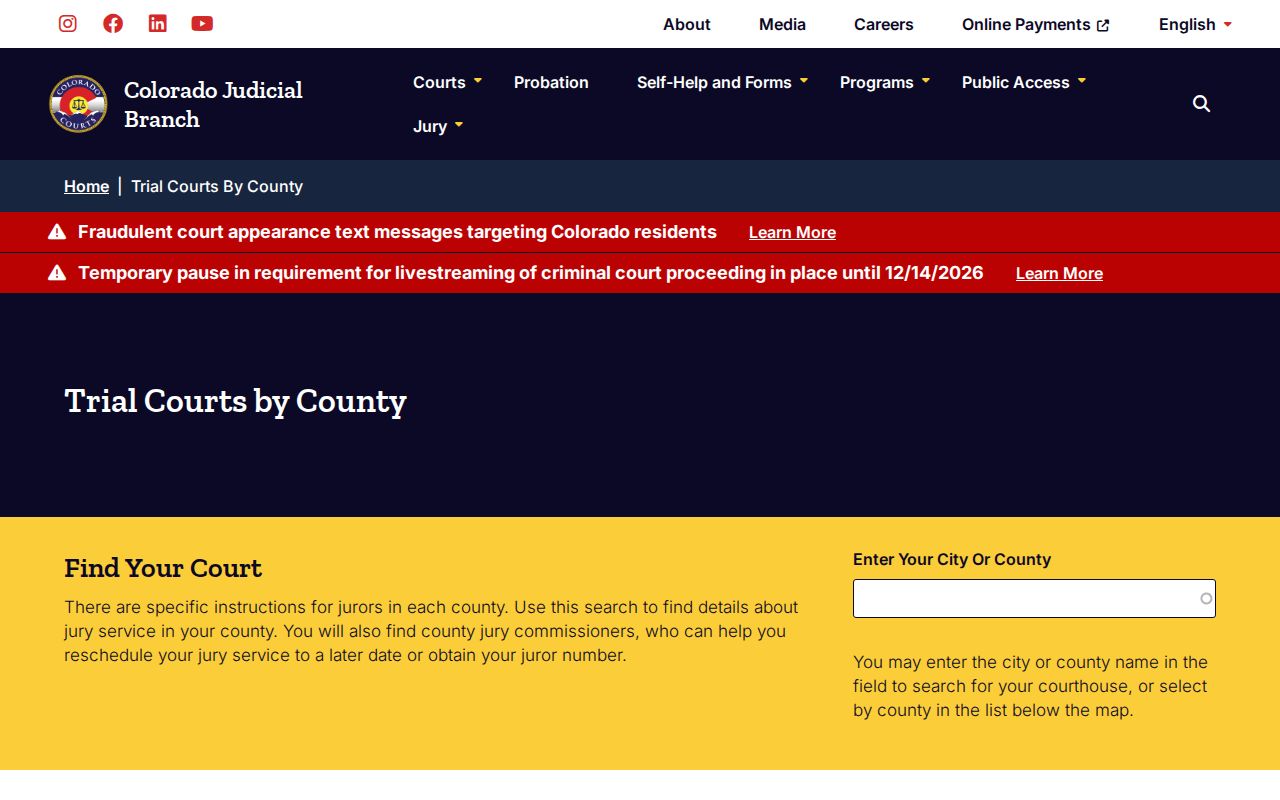
Ready to go deeper? Use Browse Counties to move from this statewide hierarchy down to the county court holding the trial docket you need.
The Statewide Portal for Colorado Cases
No single free public portal in Colorado returns the complete history of every trial case statewide. The Judicial Branch Docket Search lists upcoming settings in state District and County Courts. Older activity is another matter. The Branch Access Guide points to CoCourts, a paid vendor Register of Action service built from selected county and district case data. Colorado Courts E-Filing, meanwhile, is an account-based filing and case-access system for eligible users.
Use Docket Search to find a future setting. Turn to Court Case Records when you need the official file or a copy. Each tool answers a different question. Treat them as separate services, not one database.
| Statewide Service | What It Covers | Where It Falls Short |
|---|---|---|
| Branch Docket Search | Upcoming state-court events, filtered by county, court, date, case, party, or attorney | Not a historical ROA or document search; Denver County Court and municipal calendars are separate |
| CoCourts ROA | Selected case-history summaries from Colorado county and district data | Paid; not official; incomplete case types and no document images |
| Colorado Courts E-Filing | Electronic filing, notices, and eligible account access for parties or filers | Not a free, general public case-history portal |
| Record/Document Request Form | Routes copy and file requests to the relevant court location | The court Clerk, not the statewide form, holds the county trial file |
Colorado's Vendor Index Has Gaps
CoCourts markets its product as a Colorado Courts Record Search. What it actually returns is a vendor-reported ROA extract. That is not the official case file. The Judicial Branch calls some of its data real-time. It warns that results may be incomplete or contain errors. The vendor also publishes a table of earliest listed index years. It sorts them by location and court tier. A listed year does not promise full coverage from that date forward.
Coverage generally spans civil, water civil, small claims, domestic-relations, felony, misdemeanor, and traffic history. Juvenile, probate, sealed, and other restricted cases are not reliably open to ordinary public users. CoCourts also lacks the underlying document images. Need a signed order, a complete file, or a certified copy? Ask the Clerk of Court holding the Colorado case. The CoCourts coverage page labels its court and location dates as vendor coverage.
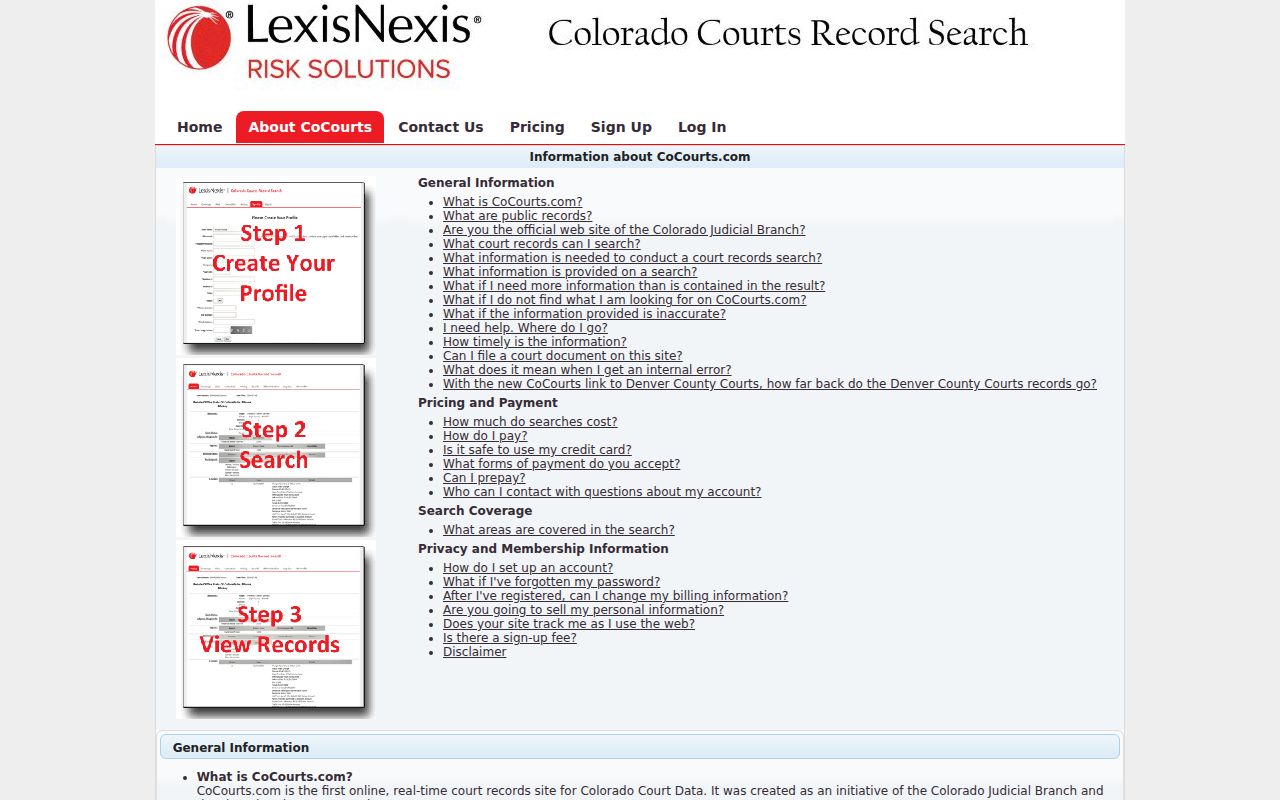
Treat those index years as a clue only. What the Colorado court itself retains and holds determines what can actually be confirmed.
From County Docket to Colorado Index
A Colorado trial filing enters the case at the court location that accepts it. File electronically and CCE records the submission. It then sends status notices. The local Clerk reviews it next and either accepts or rejects it. So a submitted transaction is not always an accepted filing. Paper filings travel the same county court process. In every route the local Clerk keeps the official trial record.
Practical data path: Filing at the court › Clerk review and acceptance › County case record › Separate public views for future settings and selected ROA history
No published technical document spells out a guaranteed CCE-to-county pipeline or a refresh interval for each field. The Judicial Branch's Docket Search shows future events. CoCourts reproduces selected case history. A row can show up in one view and not the other. Neither public service carries every document. Use Browse Counties to reach the Clerk for the official trial-court docket.
Colorado's 23rd District Changed the Map
Colorado's court map shifted recently. The state now runs 23 judicial districts across 64 counties. On January 14, 2025, the new 23rd Judicial District took over Douglas, Elbert, and Lincoln counties. That territory previously sat in the 18th District. Arapahoe County stayed put in the 18th. Anyone routing a new case should check the current district selector, since the boundaries moved.
Older statistics can still reflect the prior 22-district layout. FY2024 numbers were gathered before the 23rd District opened. They describe the former structure even though today's directory lists the new districts. Keep one thing clear: a district is an administrative unit spanning one or more counties. It is not an extra court tier above County and District Court. The Colorado Judicial Branch announcement records the opening of the 23rd District.
How CCE Feeds the Docket
Colorado Courts E-Filing, or CCE, is the Judicial Department's statewide system. It handles electronic filing and account access. Attorneys file through it whenever the court and case type require or permit e-filing. The local Clerk then reviews each submission and either accepts or rejects it. Only accepted filings enter the court's case process. A receipt, or a rejected transaction, does not prove a document joined the official record.
CCE is not the public calendar. Filers and authorized parties can use accounts for access and service where the case qualifies. Public remote access plays by separate rules. The Colorado Courts E-Filing page lays out the system's entry point and filing guidance. It also notes who the system serves.
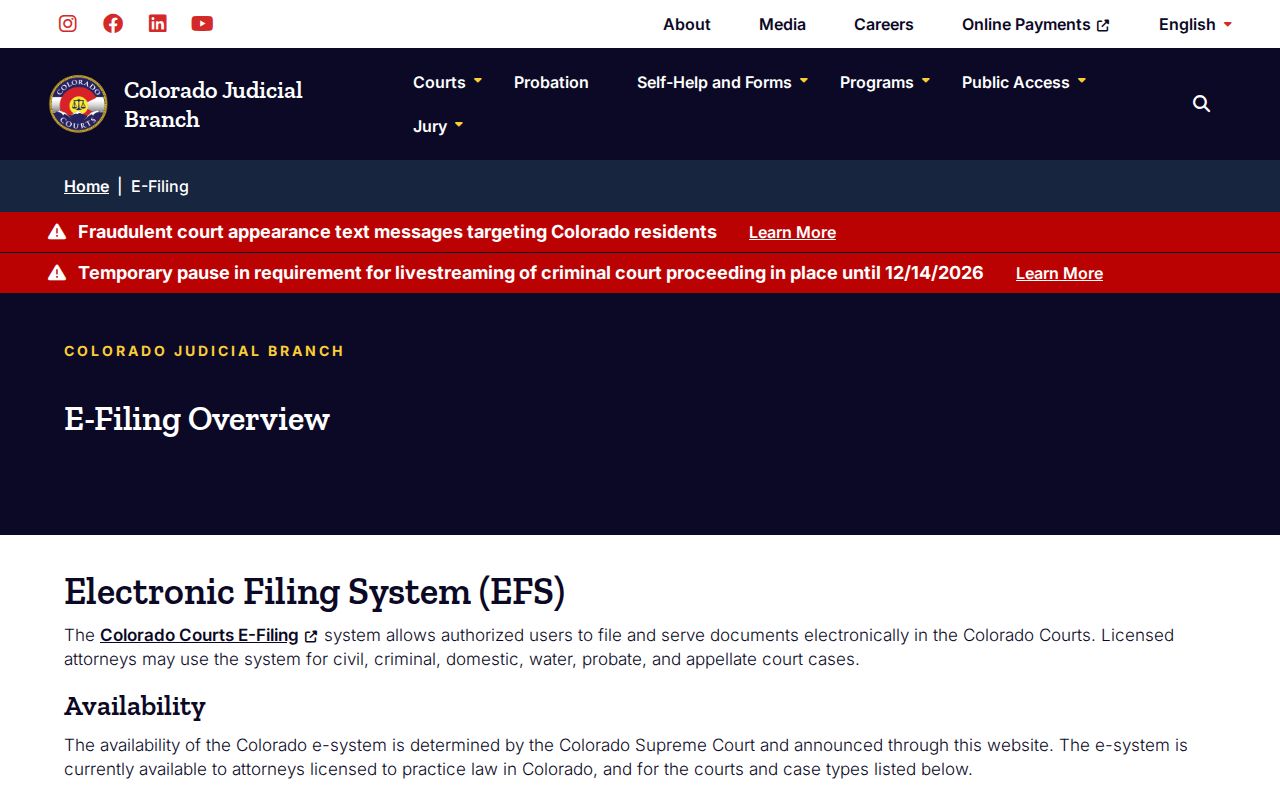
Colorado's public docket and its selected ROA services are one thing. The account screens for filing or case access are another.
Colorado's Self-Represented Filers Use CCE
Self-represented parties in Colorado can register for CCE. They can use it for filing types the Judicial Branch opens to them. Mandatory e-filing rules for attorneys generally do not bind them. Some family-case workflows ask a party to opt in first. Once the court accepts that request, access can take up to two business days. One caution comes from the system itself. Never file or use an account for another person.
None of this expands the public record. CCE can show an authorized filer material the general public cannot reach remotely. A public entry may still lack a document image. CJD 05-01 governs which remote fields and documents are restricted. Because case type and local orders affect availability, confirm current eligibility and instructions before filing. The Colorado non-attorney e-filing guidance explains opt-in and eligible workflows for people representing themselves.
Treat CCE as a tool for an eligible filing or authorized case access, not as a general Colorado case-history search.
Statewide Index vs Colorado County Docket
A statewide tool answers some questions well: a future state-court setting, a paid case-history summary, or an authorized filing account. The official trial-court docket is different. For a filed order or a certified copy, the Clerk of Court holding the Colorado case is the source. Browse Counties leads to that local court layer.
County records carry their own limits. Some documents need retrieval or stay restricted even with statewide coverage, and a vendor index never certifies a complete case history. Colorado's state and local systems simply answer different questions.
| Need | Statewide Tool | County or Court Record |
|---|---|---|
| Upcoming setting | Branch Docket Search across state-court locations | Local calendar or Clerk can confirm changes and instructions |
| Past case activity | CoCourts selected paid ROA; CCE account for eligible parties | Official register kept by the Clerk of Court |
| Filed document | Not supplied by the public calendar or vendor ROA | Request from the Clerk, subject to access limits |
| Certified copy | Not a statewide index function | Request the specific filing from its custodian |
Colorado Appellate Opinions Are Not Full Dockets
A Colorado appeal gets its own case number and record. The trial-court register may note the notice of appeal and the steps to prepare or transfer the record. It will not hold every appellate brief, order, argument notice, or disposition. Those files live with the Clerks of the Supreme Court and the Court of Appeals.
Colorado's free case-law search surfaces published decisions. It is not a full public register of live appellate events. It cannot replace a certified copy. Before contacting a Clerk about an appeal, be ready with two facts. Name the appellate court and the case number. The Colorado Judicial Branch case-law search centers on opinions. Its focus is legal decisions.
That opinion service rounds out the appellate file; it does not reproduce the full Colorado trial or appeal docket.
How Colorado Courts Went Digital
Colorado's move to digital filing came in phases, not one statewide launch. The case system began as Integrated Colorado Courts E-Filing, or ICCES. The Judicial Department platform today is Colorado Courts E-Filing. Appellate e-filing started in 2013. Trial-court mandates grew court by court and case type by case type.
One 12th Judicial District order preserves its own timeline. District civil filings came first in 2004, then probate and water matters in 2005. County civil money and FED cases followed in 2007. Domestic cases came in 2008. District and County criminal or traffic-related classes arrived in 2016. Those dates describe a single district's rollout, not a uniform Colorado schedule. Filings today follow statewide standards plus any local and case-type rules.
E-filing changed how papers reach a court. It did not merge the calendar, the ROA, and the official file into one public product. Colorado readers still must sort out whether they need a future setting, a past case event, an accepted filing, or a copy held by the Clerk.
Colorado's 2026 E-Filing Standards
Colorado's statewide e-filing rules now run through Chief Justice Directive 11-01, amended effective January 1, 2026. The supporting rules include C.R.C.P. 121 §1-26, Crim. P. 49.5, C.R.C.P. 305.5, and C.A.R. 30. Filing practice differs by case type: civil, criminal, domestic, water, probate, and appellate work each follow their own standards. A docket entry from one district's early rollout tells you little about how another court handles filings today.
A rejected transaction is common and fixable. Read the account notice and filing activity to learn why the clerk returned it. Call the Clerk when the reason is unclear. Keep your confirmation number and confirm acceptance in the court's register of actions. The directive is a rule framework, not a guarantee that every public docket or vendor field updates on a set schedule.
The Colorado CJD 11-01 index posts the current statewide standard.
Check the current directive and your case-type instructions before you file, since Colorado rules and local availability can change.